Doors in Terrain Tinker are printed as multiple separated parts so that the doors can be open and closed during games.
Most models will have two files, a frame and a door, while others will have 3 as they include a cap:
 Door with frame Door with frame |
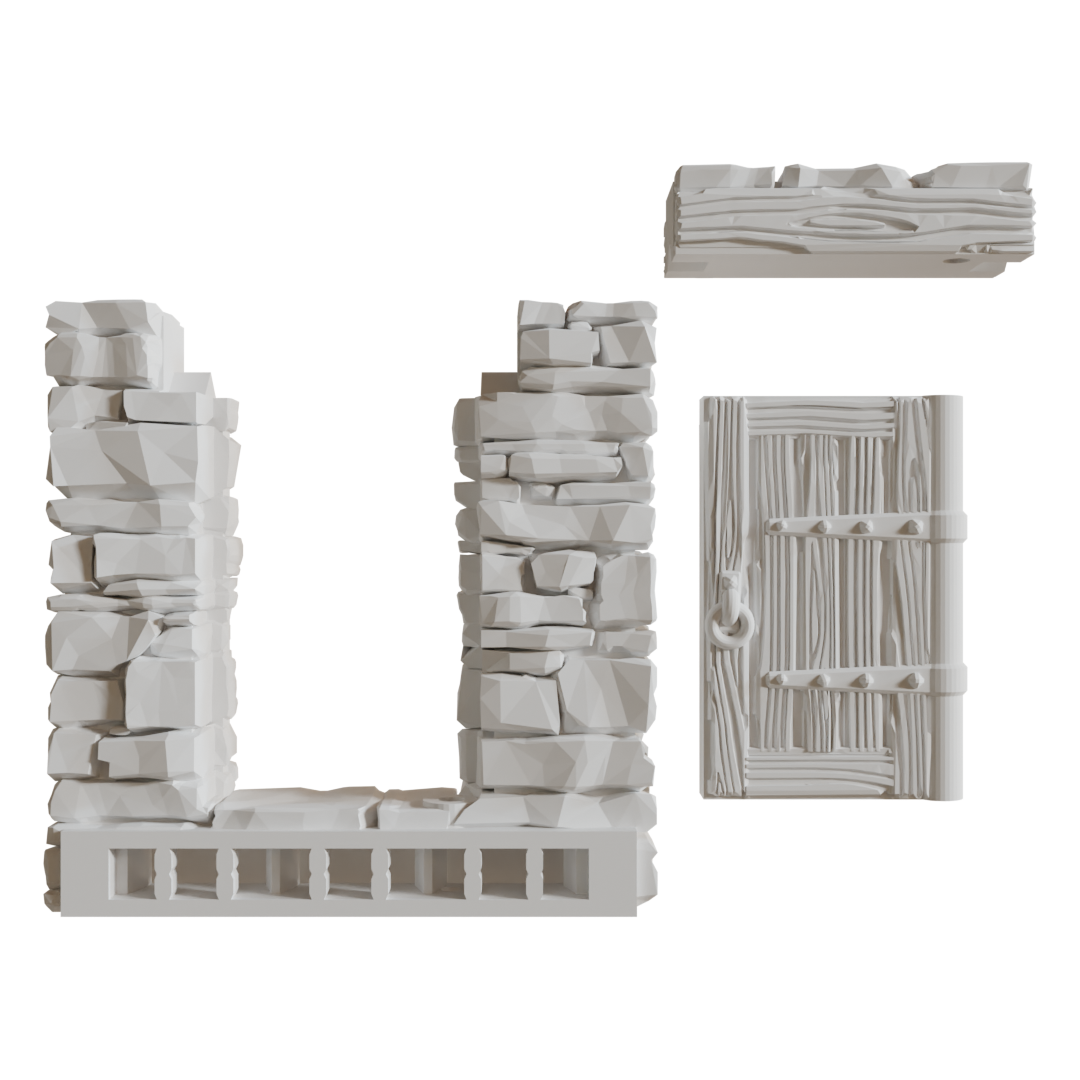 Door with a frame and cap Door with a frame and cap |
|---|
The extra parts will be in a folder named Accessories.
Doors generally should be printed in the orientation that they appear in your slicer. If you think they will print better rotated a different direction please let us know.
Assembly
All the door frames include a pin hole which is designed to be filled with a short section of 3D printer filament. You can also use wire or a paper clip.
