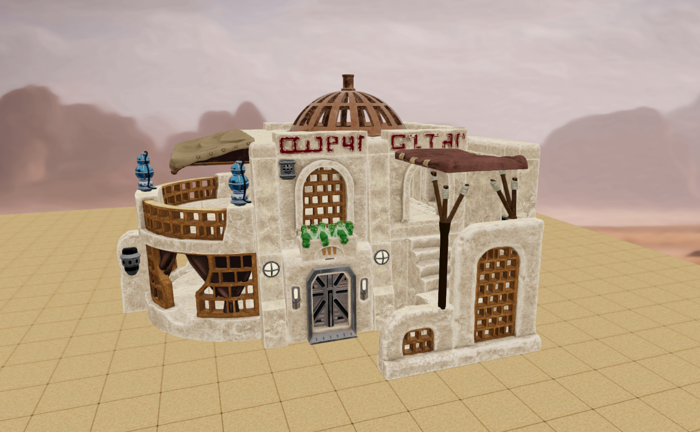
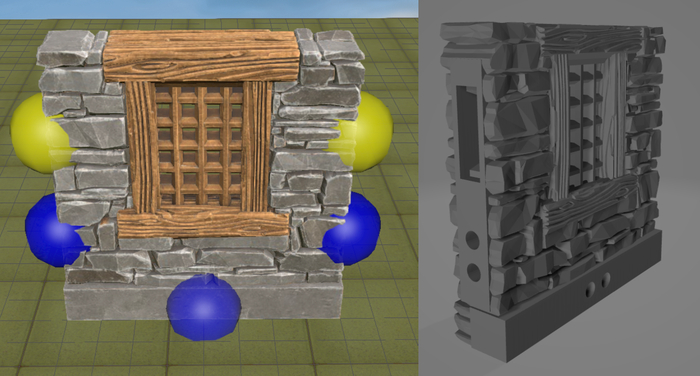
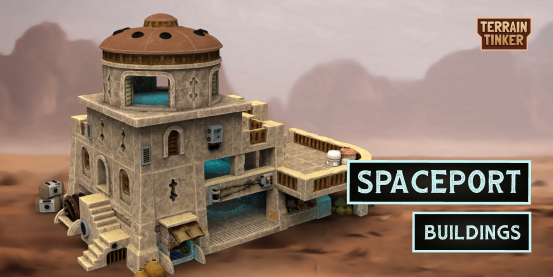
You can now create full colour 3D exports in Terrain Tinker to export to game engines and rendering software!
To create one of these exports, open a scene and go to the Print & Export Menu - there is a new Colored 3D Export option at the bottom.
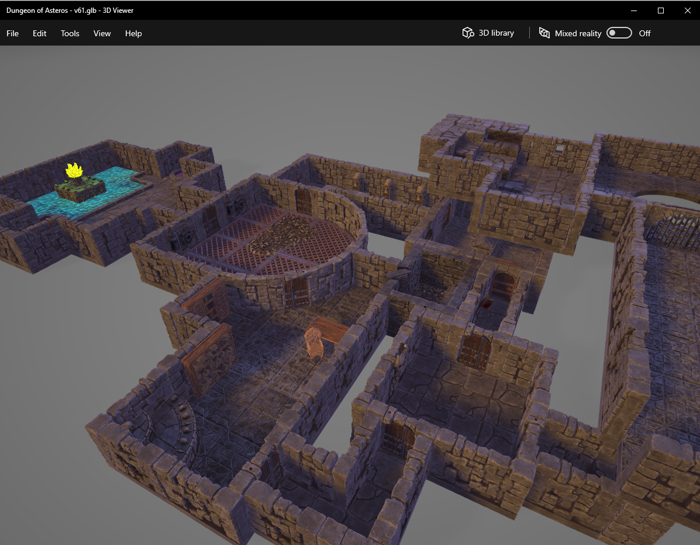
Terrain Tinker models in Windows 3D Viewer
The file format is GLTF, packaged as a single GLB. This is a modern format supported by most 3D software. If you need a different format you can convert it using software like Blender.
This feature doesn’t change much if you are 3D printing, but there are lots of others excited to use this in Virtual Tabletop systems! Though we will be looking into coloured 3D prints at a different point in the future so keep an eye out for that.
We’d also like to give a quick shout-out to 3D Canvas for Foundry VTT! They use the same underlying 3D engine so you can expect great results when exporting to there.
You can find some more information in our support article here: https://support.terraintinker.com/article/29-how-to-export-3d-colored-models
One thing to note though is that some of our early models such as Clorehaven are less compressed so may not be as performant as the later models. We will be going back through these very soon to tweak them up!
If you know of other 3D tabletops that allow for importing please let us know and we will add them to our support article. Or if you are making one, send us an email!
Till next time,
Ryan & the Terrain Tinker team