To change the size of the print bed (the working area), navigate to Edit > Print bed sizing.
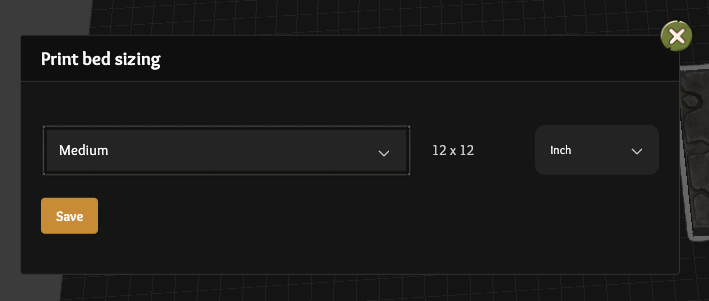
From there you can choose generic sizes of Small / Medium / Large or a specific printer.
You can also choose Custom at the bottom of the list and enter your own size as needed.