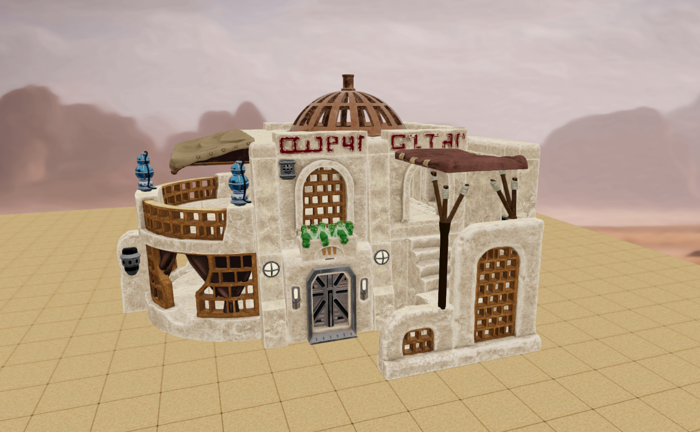
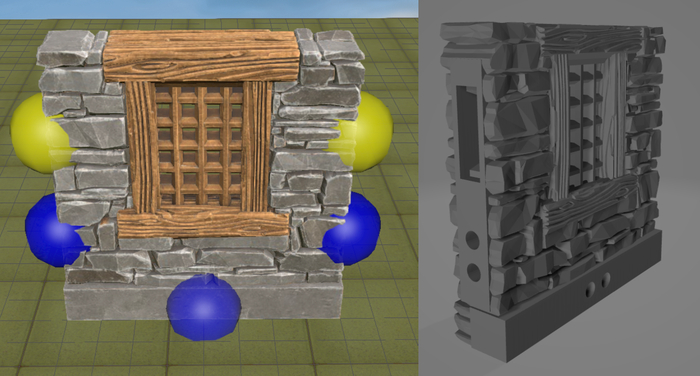
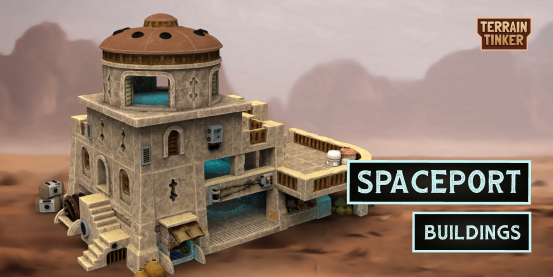
You’ve all played with the Open Beta, so now we can take you on a tour of Terrain Tinker and all that it can do so far!
This is a handy little cheat sheet from before we launched to introduce the most useful features:
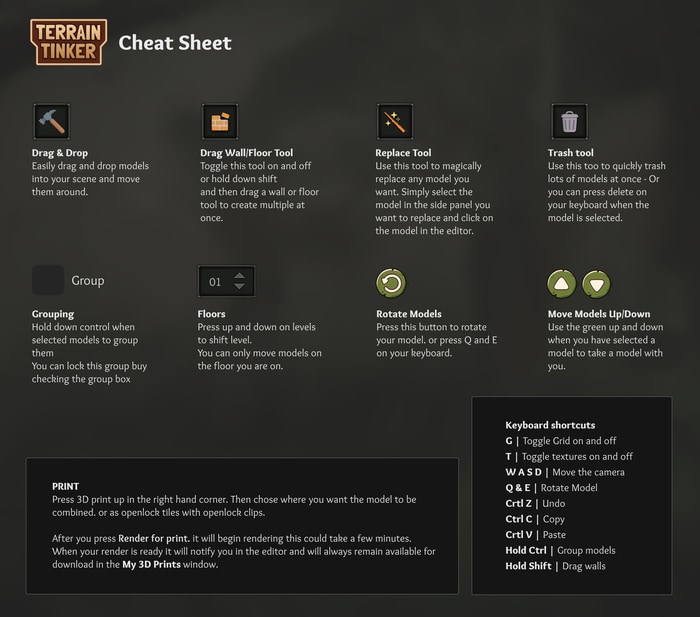
Since then mirroring has been added – allowing you to flip any models features. Printable Scenery often includes mirrored files with their releases but this way you can choose for each file.
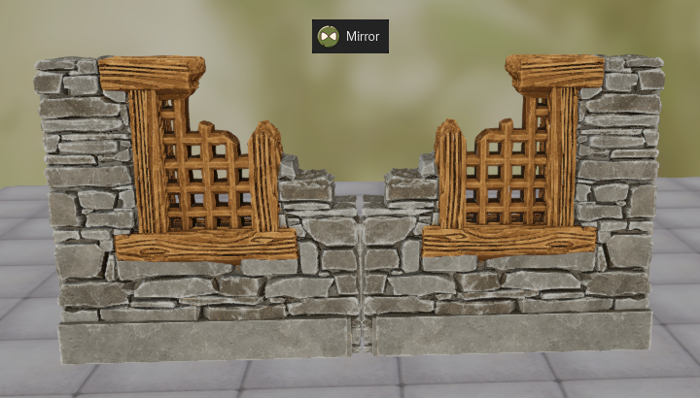
Matt from Printable Scenery also created a short video tour before our Kickstarter so check that out if you haven’t already:
When you are ready to 3D print your model, hit the “3D Print” button in the top right corner and choose either a fully combined STL file for each floor of your building or separate OpenLOCK pieces to build it yourself.
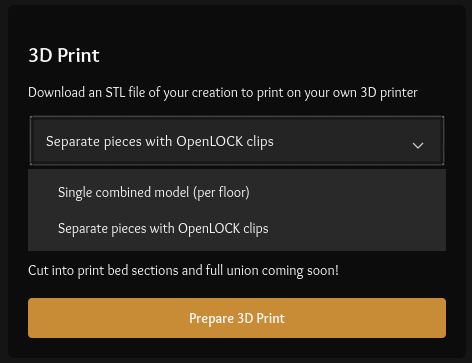
There are loads more export options coming in the future with our Licensed Printers, 2D exports and hopefully 3D & virtual tabletop exports!
Remember to share this project with anyone you think might be interested! The more backers we get the more stretch goals we can unlock for everyone! We would to see some of your creations shared on Reddit & Facebook. Be sure to stop by our Discord as well!
Thanks so much for your support!
Ryan & the Terrain Tinker team